









































What Is a Man-in-the-Middle Attack? A Plain-English Guide
A man-in-the-middle attack lets hackers secretly intercept your data on public Wi-Fi. Here's how it works and how to stay safe.
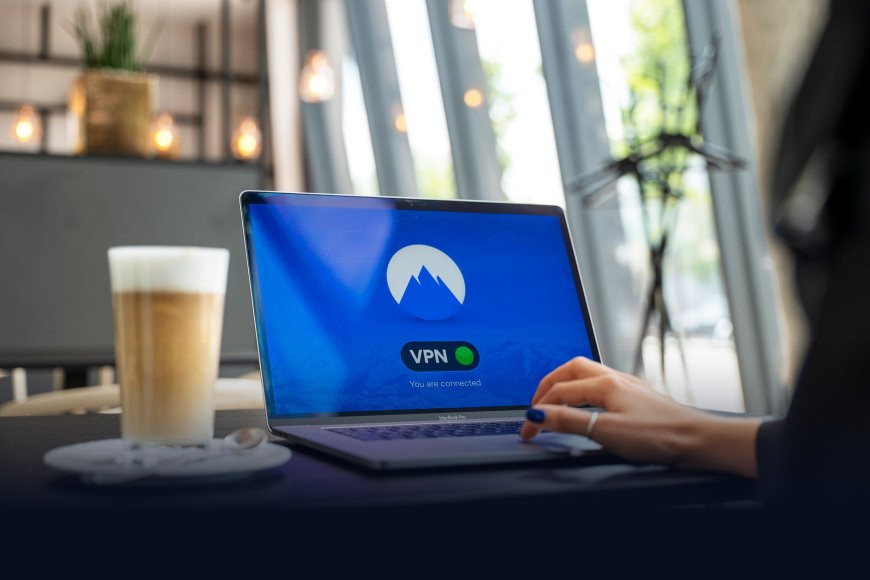
You sit down at a café, connect to the free Wi-Fi, and check your bank balance. Somewhere in that same café, someone with a laptop and a piece of free software could be reading every byte of that session before it even reaches the bank. That's a man-in-the-middle attack, and it's one of the oldest tricks in hacking, still working fine in 2026.
What's actually happening
A man-in-the-middle attack, or MITM for short, is exactly what it sounds like: an attacker quietly inserts themselves between you and whatever you're talking to online, whether that's your bank's app, a work server, or a website login page. Neither side notices anything odd. Your phone thinks it's talking to the bank. The bank thinks it's talking to you. In reality, every request and response is passing through the attacker's machine first, and they can read it, copy it, or even change it before passing it along.
The classic version happens on public Wi-Fi. An attacker sets up a hotspot named something like "Airport_Free_WiFi" or clones the real network's name. Once you connect, all your traffic routes through their device. Another common method is ARP spoofing, where an attacker on the same local network tricks your device into sending its data to them instead of the actual router, by faking the network address of the gateway. There's also DNS spoofing, where the attacker redirects the address lookup for a legitimate site, say your bank's domain, to a fake server that looks identical.
Why HTTPS isn't a complete answer
You've probably been told that the padlock icon in your browser means you're safe. Mostly true, but not the whole story. HTTPS encrypts the connection between your browser and the website using a system of digital certificates that verify you're really talking to who you think you are (we've covered how that works in detail here). A well-configured MITM attack can still cause trouble through fake certificates, tricking users into clicking past browser warnings, or downgrading a connection to an older, weaker version of HTTPS. It's also common for attackers to simply strip HTTPS entirely on the first request, serving you an unencrypted version of a site before you notice the padlock is missing.
Public Wi-Fi isn't dangerous because it's unencrypted. It's dangerous because you have no way of knowing who else is on it, or what they're doing with your traffic.
The India angle: free Wi-Fi is everywhere here
India has pushed free public Wi-Fi harder than most countries, from RailWire hotspots at railway stations to free networks at metro stations, airports, and government-backed smart city projects. That's genuinely useful connectivity for millions of people, but it also means a huge number of Indians routinely do banking, UPI payments, and office logins over networks they have no control over. A compromised or spoofed hotspot at a busy station is a far more realistic risk here than in places with cheaper mobile data and less reliance on shared Wi-Fi. The RBI has repeatedly flagged public Wi-Fi as a risk factor in its cybersecurity advisories to banks, specifically because UPI and net banking sessions are prime MITM targets when they happen outside a trusted network.
How to actually protect yourself
- Avoid sensitive logins on public Wi-Fi. Save banking, UPI payments, and office portals for your mobile data or a trusted home network.
- Use a VPN on public networks. A VPN (a service that encrypts your traffic through its own secure tunnel before it hits the public network) blocks most MITM techniques outright. We've written a plain-English guide to how VPNs work if you want the details.
- Never click through certificate warnings. If your browser says a connection isn't secure or a certificate doesn't match, that's not a glitch to dismiss, it's often the clearest sign of an active MITM attempt.
- Turn off auto-connect to open networks. Your phone joining "Free_Airport_WiFi" automatically is exactly the behaviour attackers count on.
- Check for HTTPS and the actual domain name before entering any password, not just the padlock icon.
The takeaway
None of this means you should avoid public Wi-Fi altogether, that's not realistic for most people. The practical move is to treat any network you don't control as potentially hostile, and save the sensitive stuff, banking, payments, work logins, for connections you trust. A VPN is genuinely the single easiest fix here, and it costs far less than the aftermath of a drained account.
What's Your Reaction?
 Like
0
 Dislike
0
 Love
0
 Funny
0
 Angry
0
 Sad
0
 Wow
0