










































RAM vs Storage: What Really Makes a Phone Feel Slow
More RAM won't fix a laggy phone. Here's why the storage type, not the GB number, decides how fast it actually feels.
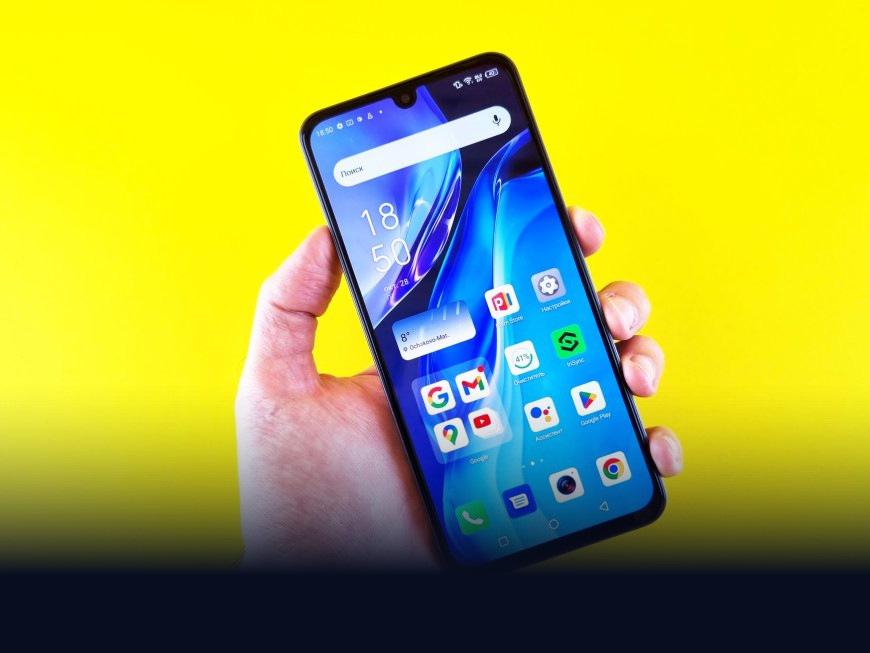
You bought a phone with 8GB of RAM last year, and it still stutters when you switch from WhatsApp to the camera. A friend's two-year-old phone with 6GB feels noticeably faster. If you assumed more RAM always means a snappier phone, you're not alone, and you're not entirely right either.
What RAM Actually Does
RAM (Random Access Memory) is short-term, high-speed memory that holds whatever your phone is actively working on right now: the app you have open, the browser tabs, the game you're mid-level in. Think of it like a desk. The bigger the desk, the more things you can keep spread out in front of you without having to shuffle papers back into a drawer and pull them out again. When you switch apps and the phone has to reload something from scratch instead of picking up where you left off, that's RAM running out of room.
More RAM does help with multitasking, keeping more apps ready in the background instead of force-closing them. But past a certain point, roughly 6 to 8GB for everyday use, adding more RAM gives you diminishing returns on how fast a phone actually feels day to day.
Where Storage Comes In, and Why the Type Matters More Than the Size
Storage is where everything lives permanently: your photos, your apps, the operating system itself. But the number printed on the box, 64GB, 128GB, 256GB, tells you almost nothing about how fast that storage actually is. What matters more is the storage standard behind it.
Most budget and mid-range phones use one of two technologies: eMMC, an older and slower standard, or UFS (Universal Flash Storage), which reads and writes data significantly faster. A phone with 8GB of RAM and slow eMMC storage will often feel laggier, especially while installing app updates or when the system quietly shuffles data between RAM and storage, than a phone with 6GB of RAM and UFS 2.2 or UFS 3.1 storage.
The "Virtual RAM" Marketing Trick
Here's where it gets murkier. A lot of budget Android phones now advertise "extended RAM" or "virtual RAM," a feature that borrows unused storage space and treats it as extra memory. It sounds clever, but storage is dramatically slower than real RAM, so this borrowed memory only helps in narrow situations and can't substitute for the genuine thing. It's more of a marketing checkbox than a real performance upgrade.
This matters a lot if you're shopping for a phone in India, where the market runs on budget and mid-range devices from brands like Xiaomi, Realme, and Samsung's M-series, and where festive sales, Flipkart's Big Billion Days and Amazon's Great Indian Festival among them, push aggressive "12GB RAM" branding on phones priced well under 15,000 rupees. The RAM figure sells the phone on the listing page. The storage type is usually buried in the fine print, if it's mentioned at all.
The number on the box tells you how much space you have. It says almost nothing about how fast you can actually use it.
If you're comparing phones before a purchase, here's what's genuinely worth checking instead of chasing the biggest RAM figure:
- Storage type: look for UFS 2.2 or higher in the spec sheet, and be cautious of eMMC on anything priced above 10,000 rupees
- Whether "virtual" or "extended" RAM is being counted inside the advertised RAM number
- Independent reviews that test real-world app-reopening speed, rather than trusting the spec sheet alone
- An expandable storage slot if you're buying a lower-storage variant to save money upfront
Manufacturers keep leading with the RAM number because it's the easiest spec for a shopper to compare at a glance. A 6GB phone with fast UFS storage will often outperform an 8GB phone running older eMMC storage in everyday use, and that comparison is exactly the one most sale-page listings won't help you make. The next time two phones are within a few thousand rupees of each other, check the storage standard before you let the RAM number decide for you.
What's Your Reaction?
 Like
0
Like
0
 Dislike
0
Dislike
0
 Love
0
Love
0
 Funny
0
Funny
0
 Angry
0
Angry
0
 Sad
0
Sad
0
 Wow
0
Wow
0