




























Windows 11's 2026 Update Rolls Out: What Actually Changes
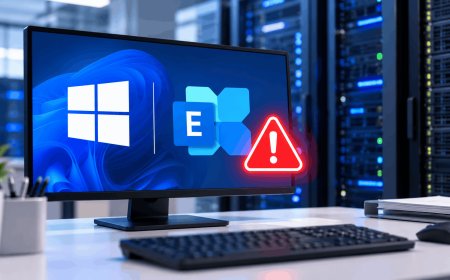
Microsoft's Windows 11 2026 Update (26H2) is rolling out with a movable taskbar, safer fingerprint login, and lighter installs. Here's what changes.
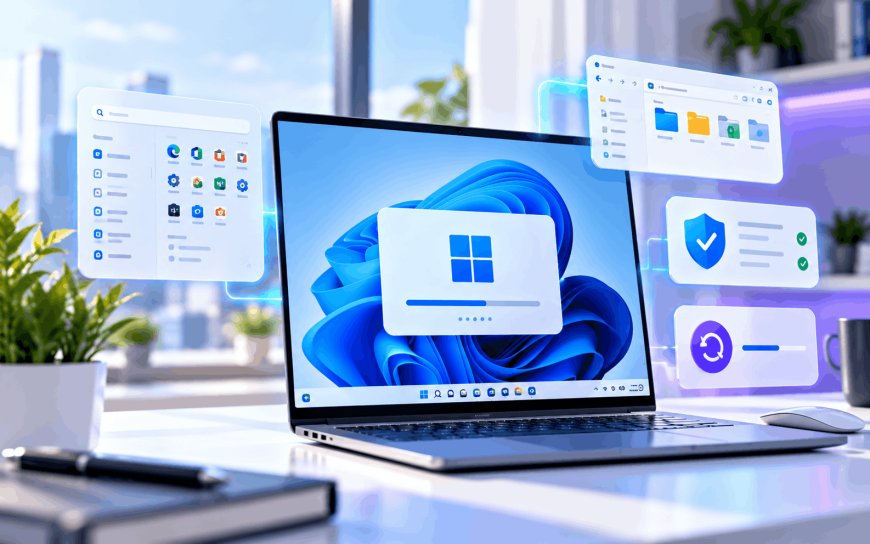
If your Windows 11 taskbar has been glued to the bottom of the screen since forever, that's changing this month. Microsoft has started pushing out version 26H2 — officially called the 2026 Update — and for once, the headline changes aren't about stuffing in more AI.
A taskbar and Start menu you can finally rearrange
The most visible change is also the simplest: you can now move the taskbar to the top, left, or right edge of the screen, not just the bottom, and switch to a smaller layout with reduced icon sizes if you're working on a cramped laptop display. The Start menu gets similar flexibility, with size presets and toggles to show or hide the Pinned, Recent, and All Apps sections depending on how cluttered you want your launcher to feel.
File Explorer picks up support for more archive formats out of the box, Windows Search is noticeably more reliable about actually finding the file you typed, and Task Manager now shows NPU usage — the neural processing unit, the dedicated chip on newer laptops that handles on-device AI tasks without draining your CPU or battery as fast.
Fingerprint login gets a real security upgrade
The quieter but more consequential change is on the security side. Windows Hello's "Enhanced Sign-in Security" — a mode that keeps your fingerprint data isolated in protected hardware so malware on the machine can't scrape it — was previously limited mostly to sensors Microsoft had certified itself. With 26H2, that protection extends to third-party fingerprint sensors too, which covers a huge chunk of budget and mid-range laptops that ship with cheaper, non-Microsoft hardware. There's also a new Point-in-time restore option, letting you roll a misbehaving PC back to an earlier working state instead of wiping it entirely.
Microsoft framed the release, in a post on its Windows Insider Blog, around predictability rather than a feature blitz:
Windows 11, version 26H2 continues the move toward a more predictable and efficient servicing model. This model helps reduce disruption while helping your organization stay secure and up to date.
In practice, that means 26H2 installs as a small "enablement package" that flips on pre-staged code already sitting dormant on your machine, rather than a full operating system reinstall. It's a lighter download and a much shorter restart than a traditional Windows version upgrade.
Why this lands differently for Indian users
India has one of the largest installed bases of Windows PCs anywhere, and a lot of it runs on precisely the kind of budget hardware this update is aimed at — laptops from local assemblers and value brands that use whichever fingerprint sensor was cheapest to source, not necessarily a Microsoft-certified one. Those same fingerprint logins increasingly sit behind UPI apps, net-banking portals, and office VPNs, so extending hardware-level protection to third-party sensors closes a gap that mattered more here than in markets dominated by premium, pre-certified laptops.
It also lands at a pointed moment. Code24 recently covered Microsoft's own data showing India as one of the top targets for AI-accelerated cyberattacks, with intrusions that used to take days now playing out in minutes. A fingerprint-login gap on cheap hardware is exactly the kind of soft entry point that style of attack is built to find, so this isn't a cosmetic patch for most Indian users — it's closing a door that was genuinely open.
Getting it, and what to expect
The rollout is staggered rather than instant, so don't panic if it hasn't shown up yet. A few practical notes:
- Check Settings > Windows Update > Check for updates — Microsoft is releasing 26H2 in phases over the coming weeks, not to every eligible PC at once.
- Some older devices won't be offered the update immediately, or at all, depending on firmware and chipset support.
- Home and Pro editions get 24 months of support on this version; Enterprise and Education get 36 months.
- Because it ships as an enablement package, the update itself is small, though you should still expect one restart.
The bigger signal here isn't any single feature — it's that Microsoft keeps shrinking what a "new Windows version" actually means in practice. Annual updates are turning into light switches for code that's already on your machine, with the real work happening in monthly patches you barely notice. For most people, the useful question each October is going to stop being "should I upgrade" and start being whether you're installing your monthly patches at all.
What's Your Reaction?
 Like
0
Like
0
 Dislike
0
Dislike
0
 Love
0
Love
0
 Funny
0
Funny
0
 Angry
0
Angry
0
 Sad
0
Sad
0
 Wow
0
Wow
0